
Everything You Need to Know About Laptop Cooling Pads
How can you cool a laptop after long working hours? Are there any differences between cooling pads in the market?
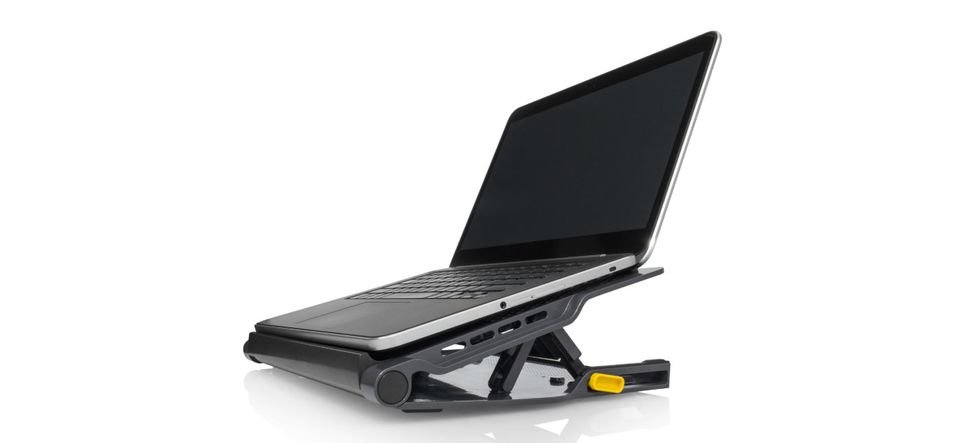
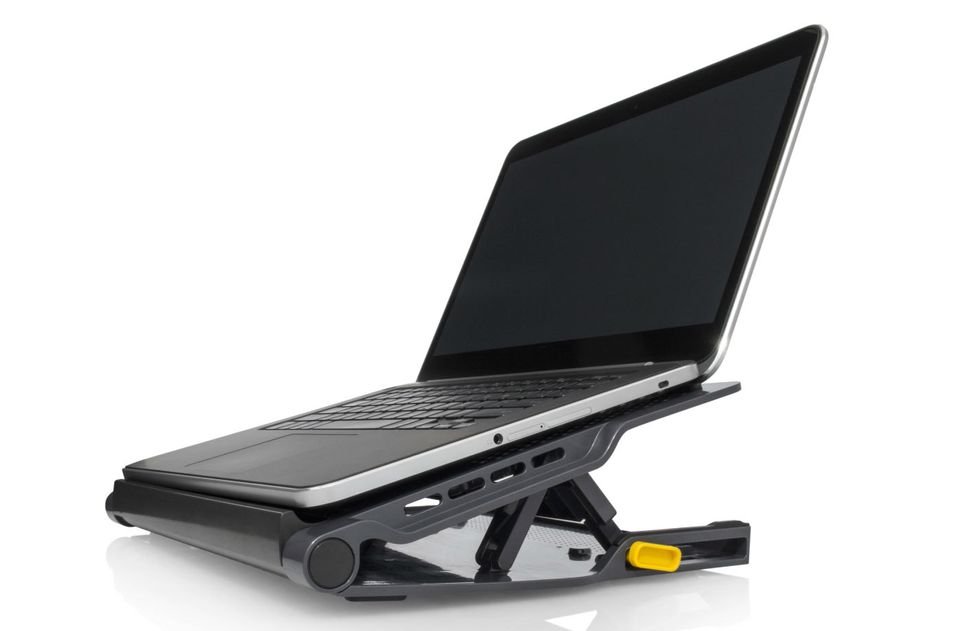


Getting a cooling pad is an important thing for people who use their laptops for long hours. In this article, we at Labeb.com will introduce you to this product and will give you some useful tips when buying a cooling pad.
It is now clear to everyone that when electric devices heat up, especially computers and laptops, is a matter that might lead to the damage of some parts, and then ruining some parts of the device partially or wholly, even damaging the powering system; therefore, cooling pads are considered one of the most important laptop accessories.
Users suffer with the continuous heating problem in laptops, especially those who use it for long periods since the fan, or the cooling system, in the laptop cannot cool the laptop efficiently when powered for long hours. Therefore, people need to buy an additional cooling pad to avoid such problems.
Types of Cooling Pads in Accordance to their Mechanism

A cooling pad is a piece that looks like the laptops base and it is placed underneath the laptop to cool it. There are different types of cooling pads, each with its own cooling mechanism.
Cooling pads, as mentioned above, can be divided into different categories according to the way they operate. Some cooling pads have a number of small fans to generate extra air to the laptop’s base which assists in lowering the device’s heat. This type can be operated through a USB that is connected to the laptop, thus, it generates its power from the laptop. Other types can be connected to the main power through a plug, and hence generating power from electricity.
Some cooling pads do not need a source power (neither from a laptop nor other sources) as it is chemically powered! This type of pads has an organic salt compound inside it that absorbs heat exerted by the laptop. However, this type of pad can work for a certain number of hours – between 6 to 8 hours of cooling.
Some users also buy elevated cooling pads which allow air to pass underneath the laptop offering more cool air.
Labeb’s Tips when Buying a Cooling Pad for Laptops
Labeb.com will give you advices – as promised – to make a wise and smart buying decision when purchasing a cooling pad for your laptop! The most important factor is to buy one with increased airflow, and you will find below more tips to consider:
- If you travel a lot, then we advise you to get a plastic cooling pad as it is lighter. However, plastic cooling pads do not last as long as a steel pad would!
- Make sure that you get a cooling pad with a size suitable with your laptop.
- Do not forget to get a cooling pad within your budget. Note that plastic cooling pads are cheaper than steel pads.
- Cooling pads with an elevated base can increase the air flow and thus cooling the laptop better!
- If you use the laptop while sitting on a couch, make sure you get a comfortable cooling pad.
- If you want to buy a cooling pad that have fans make sure you check the number of fans in it. Some pads have one big fan while other may have two or three smaller fans. It is important to know that the number of fans is not linked to the product’s efficiency and effectiveness, and the noise is also not linked to the number of fans and their size. Make sure you read the critics reviews of the brand and model you are getting.
- Check the products box, especially the CFM – Cubic Feet per Minute – which basically indications the amount of air the pad gets to the laptop. The higher the CFM the more air the pad lets through.
- If you use the laptop for long hours, you will need a cooling pad with a high CFM number.

Summary, Choose what you need within your Budget!
This is the advice that we will always give you here on Labeb.com; choose what you need within your budget, and remember that the best product is not linked to its price.
Laptop cooling pads are one the important laptop accessories as it prevents the heating up of devices especially if you use the laptop for long hours on daily basis.
Through this article, we introduced you to cooling pads and their different types, and then we listed some advices to help you make a smart decision.
If you are looking for a cooling pad, then you are very close to finding one! All you have to do is type the name of the product you are looking for in our search box above and you will find the prices of this product in different stores and choose the one nearest to you and with the best price!
Be smart before making a purchase!
- [[PropertyDescription]] [[PropertyValue]]


